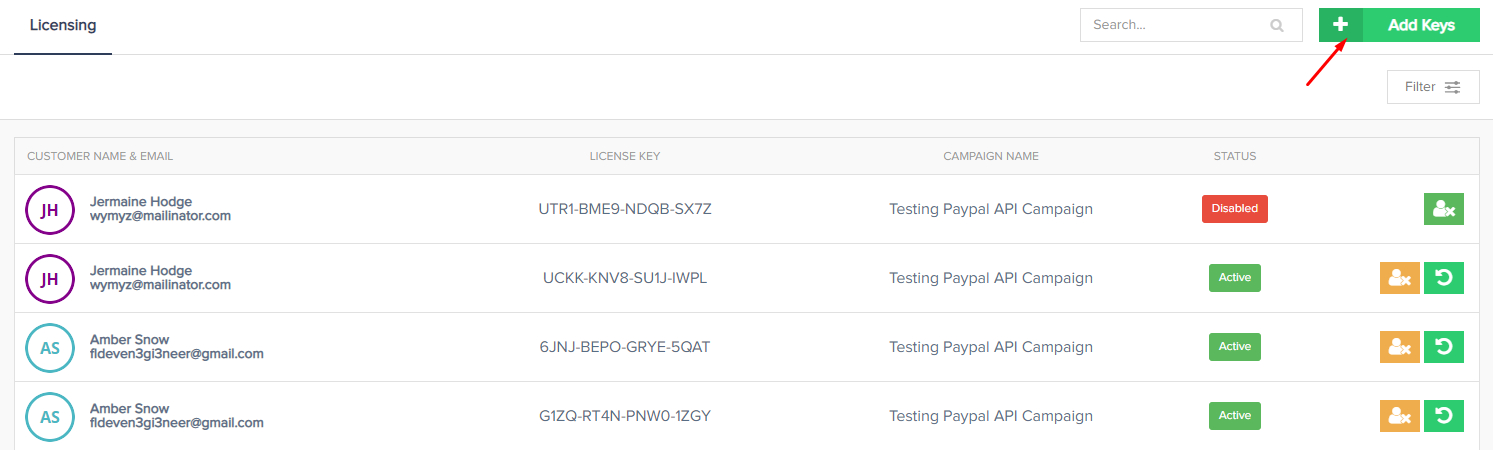
If you would like to manually add additional license keys to a customers transaction, you can do that easily inside PayKickstart.
Go to Configure >> Licensing, then click on “Add Keys”.
Go through the wizard by picking the Campaign, Customer, specific Transaction and how many keys you would like to add.